Step-by-Step Guide for How to Add OTP Login in your WooCommerce store.
📝 Introduction
Running a WooCommerce store in 2025 means you’re dealing with more than just sales, payments, and shipping. Online security is now one of the biggest concerns for eCommerce businesses. Every day, thousands of WordPress and WooCommerce websites are targeted by brute-force login attempts, fake sign-ups, and account takeover attacks.
Traditional username and password systems are no longer enough. Passwords can be weak, stolen, or forgotten, leaving both the store owner and customers vulnerable. That’s why modern eCommerce sites are moving toward OTP login (One-Time Password). OTP adds an extra layer of security by generating a unique, time-sensitive code that users must enter to access their account.
In this guide, we’ll walk you through everything you need to know about adding WhatsApp OTP login in WooCommerce. You’ll learn why it matters, the exact steps to set it up using the Afojet WhatsApp OTP Login Pro plugin, and advanced tips to make the most out of OTP authentication in your store. By the end, you’ll have a secure, mobile-friendly login system that improves trust and customer satisfaction.
🔒 Why Use OTP Login in WooCommerce?
Before jumping into the setup, let’s explore why OTP login is becoming a must-have security feature for WooCommerce stores.
1. Prevents Fake Registrations & Spam Signups
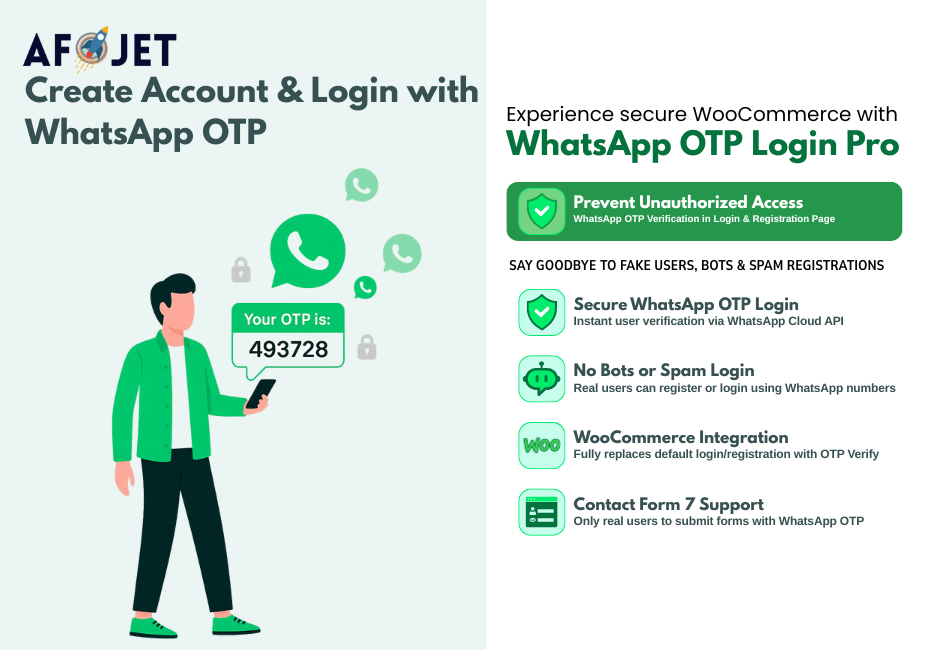
WooCommerce sites often face bots that register hundreds of fake accounts or leave spam orders. With OTP login, every new registration must be verified with a real WhatsApp number. Bots cannot bypass this verification, which means your customer database stays clean and accurate.
2. Reduces “Forgot Password” Issues
One of the most common customer frustrations is the “forgot password” loop. They request a reset email, wait for it, sometimes never receive it, and eventually abandon the store. OTP login eliminates this problem. Customers simply enter their WhatsApp number, receive a one-time password, and log in instantly — no need to remember or reset anything.
3. Builds Customer Trust & Loyalty
Security directly impacts customer confidence. When shoppers see that your store requires OTP verification, they feel safer entering their personal details and making transactions. This trust leads to higher loyalty, repeat purchases, and lower cart abandonment rates.
4. Provides a Modern, Mobile-First Login Experience
Most eCommerce traffic now comes from mobile devices. OTP login is designed for this world — it’s fast, mobile-friendly, and integrated with apps users already trust like WhatsApp. Instead of typing long passwords on small screens, customers simply verify with a short code delivered in seconds.
👉 In short, OTP login makes your WooCommerce store more secure, user-friendly, and future-ready.
⚙️ Step 1: Install the Right OTP Plugin
There are several OTP plugins for WordPress, but not all are built for WooCommerce or integrate with WhatsApp Cloud API. The most reliable choice is the Afojet WhatsApp OTP Login Pro plugin, designed specifically for WooCommerce store owners.
🔑 Key Features of Afojet WhatsApp OTP Login Pro
-
WhatsApp Cloud API Integration – send OTPs instantly through WhatsApp, avoiding SMS delays and costs.
-
WooCommerce Login + Registration Integration – works seamlessly with the default WooCommerce login and register forms.
-
Secure Token Verification – ensures OTPs are unique, time-sensitive, and cannot be reused.
-
Customizable Login Templates – design your login form to match your store branding.
-
Multi-device Compatibility – works on mobile, tablet, and desktop.
📥 How to Install
-
Download the plugin from your account page.
-
Upload it via WordPress Dashboard → Plugins → Add New → Upload Plugin.
-
Activate the plugin.
-
Go to WooCommerce → Settings → WhatsApp OTP Login Pro to configure.
Once installed, the plugin is ready to connect with the WhatsApp API.
⚙️ Step 2: Configure WhatsApp API
The plugin requires a valid connection to WhatsApp Cloud API. Here’s how to set it up step by step:
-
Create a Meta Business Account
-
Visit business.facebook.com and create a Business Manager account.
-
-
Add WhatsApp Business Platform
-
Inside your business dashboard, go to Business Settings → WhatsApp → Add Number.
-
-
Get Your WhatsApp Business API Key
-
Generate an API key from Meta Developer Console. This key allows your plugin to send OTP messages.
-
-
Configure in Plugin Settings
-
Copy the API key.
-
Paste it into the Afojet plugin’s API Key field.
-
Save settings.
-
👉 Pro Tip: Test by sending a sample OTP to your own number before rolling out to customers.
⚙️ Step 3: Add OTP Login to WooCommerce Forms
Once your plugin and API are connected, the next step is to integrate OTP login with WooCommerce forms.
Login Form
-
Customers enter their WhatsApp number instead of email.
-
They receive a one-time code instantly.
-
Enter code → verification successful → logged in.
Registration Form
-
New users must confirm their number before completing registration.
-
Prevents fake signups and ensures real customers only.
Checkout Verification (Optional)
-
Enable OTP during checkout for added fraud protection on Cash on Delivery (COD) orders.
-
This ensures customers confirm their mobile number before placing large orders.
👉 The plugin automatically replaces your WooCommerce forms, so you don’t need to write a single line of code.
📊 Bonus: Advanced Setup & Best Practices
Once the basic OTP system is live, here are a few extra tips to maximize its benefits:
1. Enable OTP for Specific User Roles
If you run a membership store, enable OTP login only for customers while keeping admin and staff accounts on standard logins. This creates flexibility.
2. Combine OTP with Password (2FA)
For sensitive stores, you can require both a password and OTP. This works like two-factor authentication (2FA) and significantly increases security.
3. Track OTP Logins in Analytics
Integrate with Google Analytics or server logs to track how many customers log in using OTP. This data helps measure adoption rates and user satisfaction.
4. Localize OTP Messages
WhatsApp Cloud API allows multilingual templates. Send OTP instructions in Hindi, Gujarati, or any preferred customer language to improve engagement.
5. Promote OTP Login in Marketing
Highlight OTP login in your product pages and ads as a security feature. Customers value stores that care about their data.
📚 Common Problems & Troubleshooting
Even with the best setup, you might run into small issues. Here’s how to handle them:
-
OTP not received?
- Ensure the WhatsApp number is correct and includes country code.
- Check Meta API quota.
-
Multiple OTPs sent?
-
Adjust plugin settings for cooldown between OTP requests.
-
-
Customers can’t log in with email anymore?
-
Enable dual login: email/password + OTP as fallback.
-
👉 Most issues are resolved by checking API credentials and plugin logs.
✅ Final Thoughts
Adding OTP login is one of the simplest yet most powerful ways to protect your WooCommerce store. With brute-force attacks and fake signups on the rise, OTP ensures that only real, verified customers can access your site.
The Afojet WhatsApp OTP Login Pro plugin makes it easy to set up in just minutes. By integrating with WhatsApp Cloud API, it delivers instant OTPs, improves customer trust, and reduces login friction.
If you’re serious about security and customer experience, now is the time to upgrade your WooCommerce store with OTP login.
👉 Download Afojet WhatsApp OTP Login Pro today and start protecting your store.